
Facebook to MP4
- No Ads
- 100% Free & Safe
- 1080p


Download Facebook videos, Reels, Stories and private clips as MP4. Up to 1080p, no app.
How to Convert Facebook Video to MP4 with FvidGo in 3 Steps
You need the link and nothing else. The steps work the same on a phone and on a computer.

Step 1: Copy the Facebook Video Link
Open the post and tap Share, then Copy Link. On Reels the Share button sits on the right edge. For a private video, copy the URL from the address bar instead.
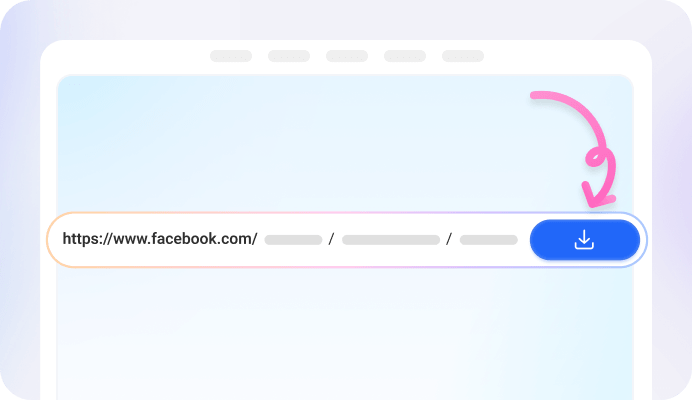
Step 2: Paste the Link into FvidGo
Paste it into the box at the top of this page. A share link and an address-bar URL both work. FvidGo reads it and shows you what it found.

Step 3: Convert FB to MP4
Pick a quality, then start the conversion. FvidGo builds the MP4 and puts it on your device. Where it lands is covered in the FAQ below.
Get FvidGo: Facebook to MP4 Converter

Facebook to MP4 Converter: Why Choose FvidGo

Convert Facebook Reels to MP4

Convert Private Facebook Videos to MP4

Convert Facebook Live and Watch Videos to MP4

Convert Facebook Stories to MP4

Video or Just the Audio

No Watermark on Your MP4

No Login, No Limits

Convert FB to MP4 in Seconds
Facebook MP4 Files Ready to Use
1080p, HD, SD and 360p
Picking a Quality for Your Device
About Turning a Facebook Link to MP4
FAQ: Converting Facebook Videos to MP4
What is a Facebook to MP4 converter?
It is a tool that takes a Facebook link and gives you back an MP4 file. A downloader hands you whatever the source happens to be; a converter lets you choose the format and the quality before the file is made.
Which Facebook videos can I convert to MP4?
Ordinary post videos, Reels, Stories, live replays, Watch videos, group and profile videos, and private content you are allowed to see. If a link opens for you on Facebook, FvidGo can usually work with it.
Is the Facebook to MP4 converter free?
Yes. FvidGo does not charge, there is no daily cap, and no resolution is locked behind a payment. 1080p is as free as 360p, and the fiftieth conversion is as free as the first.
Do I need to install an app or a browser extension?
No. FvidGo runs in Chrome, Safari, Edge and Firefox with nothing to install. If you use it often, add it to your home screen and it opens in one tap.
Do I need to be logged in to Facebook?
You never sign in to FvidGo, and you never enter your Facebook account on FvidGo either. We do not ask for your Facebook password. All that matters is that you are signed in to Facebook in your own browser and can see the video.
Can I convert Facebook videos to 4K MP4?
It depends on the source first. Only a video that is already 4K on Facebook can come out as 4K; if the original is 1080p, 1080p is the most you can get. On the web FvidGo goes up to 1080p Full HD, and the FvidGo App handles higher resolutions.
Does converting with FvidGo lower the quality?
No. The file is taken from the source and is not compressed a second time. What you pick is what you get: a 1080p conversion is the same 1080p that was uploaded.
Can I convert a live video or a Story to MP4?
Yes. FvidGo converts live replays with no length limit. Stories convert too, and once the MP4 is on your device the 24-hour clock on Facebook no longer matters.
Where does FvidGo save the MP4 on my phone?
Into your gallery or your Downloads folder, depending on the phone. On a computer the file goes wherever your browser saves downloads.
Do you store my links or converted files?
No. FvidGo does not log conversions and does not keep files. Since there is no account, there is nothing about you to store in the first place.
Can I save just a part of the video?
No. FvidGo converts the whole video as it is. If you want only a section, cut it in a video editor after the MP4 is on your device.