
Facebook Video Downloader HD
- No Ads
- 100% Free & Safe
- 1080p


Facebook video download online free MP4 HD: the quality list shows 720p and 1080p Full HD, and your pick saves straight to your device. No app, no sign-up.
How to Use an FB Video Downloader HD

Step 1: Copy the Video Link
Open the Facebook video and tap Share, then Copy Link. To see what you are working with first, open the quality menu in Facebook's own player: whatever tiers are listed there are the ones this video has.
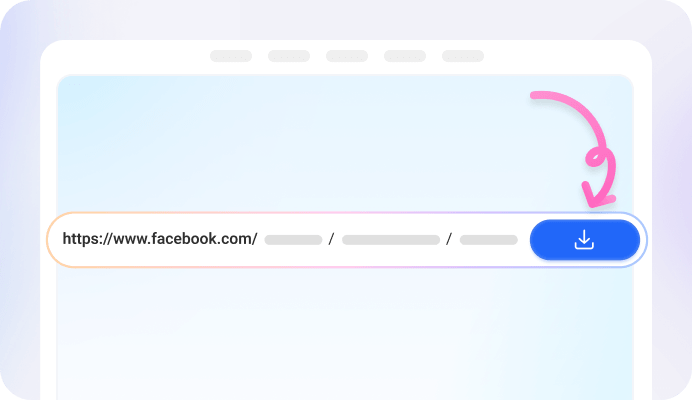
Step 2: Paste the Link into FvidGo
Paste it into the box at the top of this page. FvidGo reads the link and opens the quality list for that video, which is where you choose how sharp the saved file will be.

Step 3: Pick 720p or Higher, Then Download
The box opens on 480p, so for HD you move it up a row: 720p for HD, 1080p for Full HD. Press download and the Facebook video is saved at the quality you picked, not the one that was already selected.
What HD Means on FvidGo: 720p and 1080p Full HD
HD Is 720p
Full HD Is 1080p
HD Means Different Things on Different Sites
Above Full HD, Facebook's own player labels the next tiers 1440p and 4K. Those live in the FvidGo App rather than the website, so when a Facebook video was uploaded that sharp, the App is where you save it at full size.
Why Choose FvidGo for HD Downloads

You Pick the Quality, Not Us

HD Is Not a Paid Tier

Saved to Your Gallery

Fast Even at 1080p

No App to Install

No Ads

No Sign-Up, No History
Get the FvidGo Facebook Video Downloader HD APK

What You See in the Quality List
The List Shows What This Video Has
Every Quality Shows Its File Size
Which Resolution to Pick for What You Are Doing
720p for Everyday Watching
1080p for Full Screen and TV
When Your Phone Is Low on Space
Going Above Full HD with the FvidGo App
FAQ: Facebook Online Video Downloader HD
How do I know the file I saved is really HD?
The row you tapped is the row that downloads: FvidGo does not re-encode the Facebook video on the way, so a 720p pick arrives as 720p. If you want to check, the size shown next to that row before you downloaded is the size of the file you now have.
Why is HD missing from the list for some videos?
Because that Facebook video was never uploaded in HD. FvidGo reads the list off the video itself, so it only offers what is there, and no downloader can add lines that were never recorded. Taking the top row still gives you the best version that exists.
Can I download Facebook Reels and live videos in HD?
Yes, and the route in FvidGo is the same: paste the link and take the HD row. Reels come off a phone camera more often than not, so their top row is usually 1080p, and a live replay offers whatever the broadcast was streamed at.
Can I download a private Facebook video in HD?
Yes, as long as you can open that video on Facebook yourself. FvidGo offers the same quality list for a private post as for a public one, and the HD row is there if the video was uploaded with it.
Is there a FvidGo HD video downloader APK for Android?
Yes. The FvidGo App is an APK you install from this site, and it reaches 1440p and 4K, which the website does not. It also downloads faster, stays steadier on long files, and works on more than 100 other sites and apps, not just Facebook. This page works without it, up to Full HD.
Does Facebook compress a video before I download it?
Whatever Facebook stored is what the quality list offers, and FvidGo passes that file through without touching it. So the rows you see are the video as it exists on Facebook, and nothing is lost between that list and your device.