
Facebook Video Download Online
- No Ads
- 100% Free & Safe
- 1080p


FvidGo handles online video download for Facebook in the browser, so you can save a Facebook video from any device without installing anything.
Facebook Video Download Online: 3 Steps on the FvidGo Site

Step 1: Get the Link
Find the video on Facebook and use the Share button to Copy Link. The address from your browser bar works just as well. Whatever device you are on, that link is all FvidGo needs.
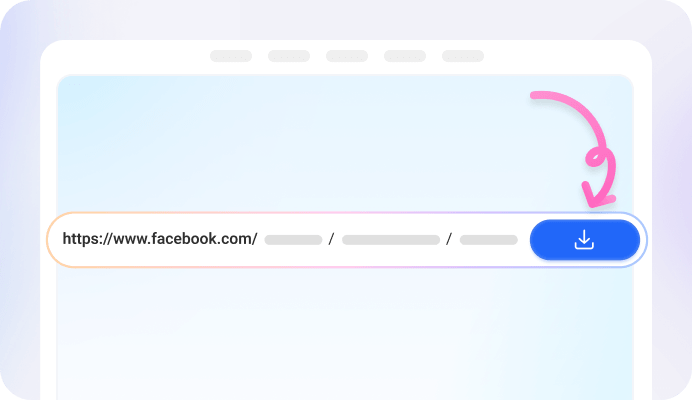
Step 2: Paste It on the FvidGo Site
Paste the link into the box at the top of the FvidGo site. It reads the link, works out what the video is, and lists every quality that Facebook video was posted with.

Step 3: Pick a Quality
Pick 1080p, HD, SD or 360p, or take the sound on its own as an MP3. Press download and FvidGo saves the Facebook video straight to wherever your browser keeps downloads.
Download FB Online With Nothing but a Browser
No App Installation
No Storage Used
No Account Needed
Any Device, Any Browser
No Extension Required
FB Video Downloader Online vs. App: Which One Is Your Best Choice
| Metrics | FvidGo Web | FvidGo App |
|---|---|---|
| Installation | ❌ | ✅ |
| Storage used | 0 MB | ~30MB |
| Devices | iPhone, Android, Windows, Mac, Linux | Android only |
| How you start | Open the page, paste a link | Tap Share in Facebook, pick FvidGo App |
| Switching devices | Just open a browser | Install it again |
| Stability | ⭐️⭐️⭐️⭐️ | ⭐️⭐️⭐️⭐️⭐️ |
| Success rate | ⭐️⭐️⭐️⭐️ | ⭐️⭐️⭐️⭐️⭐️ |
| Speed | ⚡⚡⚡ | ⚡⚡⚡⚡⚡ |
| Long videos | ⭐️⭐️⭐️ | ⭐️⭐️⭐️⭐️⭐️ |
Website or App: Use Cases
Use the Website When
- Occasional downloads: for one or two Facebook videos a month, an install costs you more time than the download saves.
- iPhone and iPad: there is no FvidGo App for iOS. Safari opens the site, and Add to Home Screen gives you an icon that behaves like an app without being one.
- Low storage: an app occupies space from the day you install it. The website occupies none, and the only file that lands on your phone is the Facebook video itself.
Use the App When
- Daily downloads: the FvidGo App opens at the paste box, so you skip finding the site and loading the page every time.
- No copy-paste: inside the Facebook app, tap Share, open More and pick FvidGo App. The download starts from there, so no link ever touches your clipboard.
- 4K video download: the App shows the same quality list as Facebook's own player, so 1440p and 4K are there whenever the upload has them.
- Batch download: when a single link holds a multi-video post or a whole album, the App saves every item in one pass instead of one at a time.
- Videos outside Facebook: the FvidGo App is a general downloader, so the other social apps on your phone are covered by the same tool.
FvidGo Key Features

Free, No Limit

Reels and Short Videos


MP4 or MP3

Four Quality Levels
Facebook Video Download Online: Keep It One Tap Away

FAQ: Save Facebook Video Online in Your Browser
How do I download a Facebook video online on my iPhone?
There is no FvidGo App for iPhone, and you do not need one. Open the FvidGo site in Safari, paste the link and pick a quality. The file goes to Safari's downloads, which live in the Files app, and you can move it to Photos from there.
Is a Facebook video downloader site safe to use?
FvidGo never asks for your Facebook password, and it does not keep a list of what you have saved. Because the web version has no sign-in, there is nothing on our side that could be traced back to you later.
Where does the file go after I download it?
FvidGo does not choose the location; your browser does, and it uses the same place as any other download. That is the Downloads folder on a computer and the Files app on iPhone. On Android the video usually shows up in the gallery as well.
What's the difference between an online downloader and a browser extension?
An extension installs into the browser and ties itself to your browser account, so it does not run in a private window. An online downloader is just a page you visit: nothing is added to the browser, it works in a private window like anywhere else, and no account is involved at any point.
Can I use FvidGo on someone else's computer?
Yes, and there is nothing to clean up afterwards. You never sign in, so there is no session to close and no account left on that machine. Close the tab when the download is done and that is it.