Facebook Reels Downloader
The FvidGo Facebook Reels downloader works from a link: paste it, preview the Reel, then download it. The file has no watermark and goes up to 1080p Full HD. Saving Facebook Reels is free, and this fb reels downloader online needs no account.
- No Ads
- 100% Free & Safe
- 1080p


How to Use a Facebook Reels Downloader

Step 1: Copy the Reel Link
Open the Reel and copy its link from the Share menu. A Reel link contains /reel/, so you can check you took the right one.
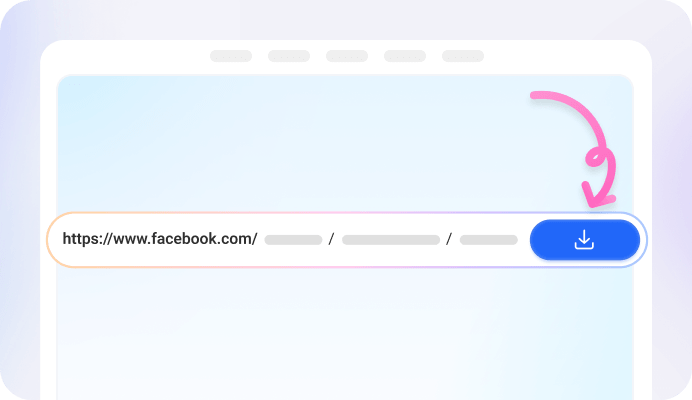
Step 2: Paste the Link
Paste the Reel link into the box above. No login, no account. FvidGo reads the link and lists the quality options.

Step 3: Save the Reels Video
Pick a quality and press Download. FvidGo saves the Reel as an MP4, so the only choice is resolution.
Install the Facebook Reel Downloader App

Key Features of Facebook Reel Downloader

No Watermark

Online

Multiple Resolutions

Downloader and Viewer

Free and Safe

Facebook Lite Reels Download
FAQ: Facebook Reel Downloader
Do I need an app to download Facebook Reels?
No. FvidGo downloads Facebook Reels on its own, which covers most cases. Use the FvidGo App for 4K, for a batch behind one link, or for a private Reel. It comes as an APK, not from Google Play.
Can I download Facebook Reels without watermark?
Yes. The file FvidGo returns is the original, so it matches the Reel on Facebook. One exception: a mark the creator or another app burned into the picture stays in the file.
Does the Facebook Reel downloader work for Facebook Shorts?
Is there an online Facebook Reels downloader?
Yes, FvidGo is one. You download Facebook Reels by pasting a link, picking a quality and pressing Download, with no account. Phones, tablets and computers all use the same address in any browser.
How do I download Facebook Reels in HD?
Paste the Reel link, then pick the top row in the list instead of the one it opens on. That is 1080p Full HD, the highest in the browser. The FvidGo App goes up to 4K.
What does the Facebook Reel downloader extension for Chrome do?
It adds a download button next to the Reel, so the download starts on Facebook instead of on FvidGo. Everything else is the same. You add it from the Chrome Web Store.