Facebook Profile Viewer
FvidGo is a Facebook viewer for public and private profiles. Paste a profile link online to see the name, bio, posts, photos, videos, and the profile picture in full size. No login is needed, and the person will not know you viewed their profile.
- No Ads
- 100% Free & Safe
- 1080p


How to Use the Facebook Profile Viewer

Step 1: Copy the Profile Link
Tap the account's profile picture to open the profile, then tap the three dots in the top right corner. Choose Copy Link to copy the profile link. That link is all the Facebook profile viewer needs.
Step 2: Paste the Profile Link
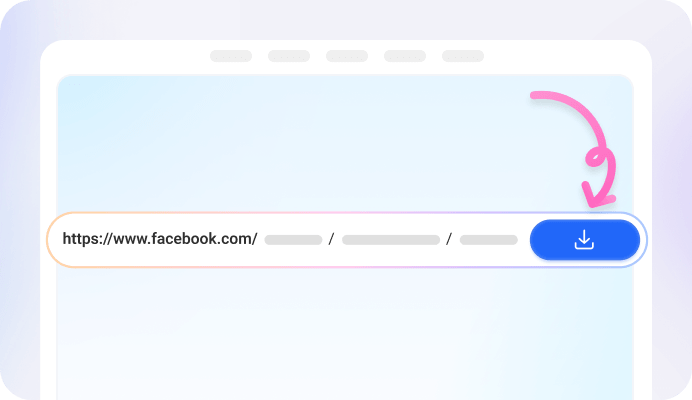
Paste the profile link into the box above and click Download. FvidGo opens the profile online and shows all the content of that account. No Facebook login is required.

Step 3: View the Profile and Save the Picture
Scroll through the profile to read the bio and see the posts, photos, and videos. Tap the profile picture to open the original image, and save it to your device.
Install the Facebook Profile Viewer App

What the Facebook Viewer Shows
Facebook Public Profile Viewer
Facebook Post Viewer
Facebook Photo and Video Viewer
Facebook Profile Picture Viewer in Full Size
Save the Profile Picture
Locked and Private Facebook Profiles
Locked Facebook Profile Viewer
Facebook Private Profile Viewer
Why Choose FvidGo as an FB Profile Viewer?

Anonymous Viewing

Free, No Limits

No Account Needed

Completely Online
Facebook Viewer FAQs
How do I use the Facebook full size profile picture viewer?
Paste the profile's link into FvidGo, click Download, and tap the profile picture. The original image opens in full size. You can then keep a copy on your device.
Is FvidGo also a Facebook Stories viewer?
Can I view a locked profile with the Facebook lock profile viewer?
Yes. A locked profile opens in FvidGo with its profile picture and bio visible. To view the content of that profile, install the FvidGo App on your Android phone.
Is the Facebook profile viewer anonymous?
Yes. The profile owner does not find out that you viewed their profile. FvidGo does not ask for a Facebook login, and your viewing history is not saved.
Does the Facebook viewer work without an account?
Yes. FvidGo works without a Facebook account and has no sign-up of its own. The profile link is the only thing you need to view a public profile.
What does a Facebook private profile viewer show?
It shows what a public profile shows: the name, bio, profile picture, follower count, posts, photos, and videos. Paste the link of the private profile into FvidGo to see them.
Does FvidGo show who viewed my Facebook profile?
No. Facebook does not provide a list of the people who viewed a profile. The profile viewer works the other way: it lets you view someone else's public profile when you paste its link.