Facebook Converter
FvidGo is a Facebook video converter that turns a Facebook link into an MP4 or MP3 file. Paste the link, choose video or audio, and the Facebook video conversion runs online. You do not install anything or convert the file again afterward.
- No Ads
- 100% Free & Safe
- 1080p


How to Convert a Facebook Video

Step 1: Copy the Facebook Video Link
Find the Facebook video or Reel you plan to convert. In the Facebook app, tap Share and choose Copy Link. In a desktop browser, copy the address shown in the address bar.
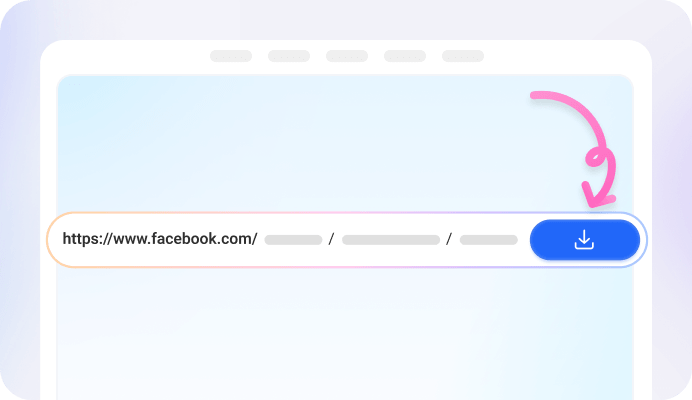
Step 2: Paste the Link
Paste the link into the converter box above. FvidGo reads it and lists the formats and quality options available. It works as an online Facebook converter, so nothing is installed on your device.

Step 3: Choose MP4 or MP3 and Download
Select MP4 for the full Facebook video or MP3 for the audio only. For MP4, pick a quality too, then tap Download. FvidGo saves the converted MP4 or MP3 file straight to your device.
Install the Facebook Converter App

Facebook to MP4 or MP3: What Is the Difference?
Facebook to MP4 Converter
Facebook MP3 Converter
Choosing MP4 or MP3
Convert Facebook Reels, Live Videos, and Stories
Why Choose FvidGo as a Facebook Converter?

Convert and Download at Once

HD Quality up to 1080p

Online in Any Browser

Free, No Sign-Up
Facebook Video Conversion FAQs
Do I need to download a Facebook video before converting it?
No. On FvidGo, converting and downloading are the same step. After you paste the link and choose a format, the file you get is already converted. That is how you download a Facebook video as MP3 or MP4 in one go.
Will I lose quality if I convert a Facebook video to MP4?
How do I convert Facebook videos to MP3 on a phone?
Open FvidGo in your phone browser, paste the link of the Facebook video, choose MP3, and tap Download. On Android, the MP3 goes to the Downloads folder in the Files app. On iPhone, the file is in the Files app, under Downloads or On My iPhone.
Is there a Facebook Reels to MP3 converter?
Yes. Facebook Reels convert to MP3 on FvidGo the same way as any other video. Copy the Reel link, paste it in the converter box, and choose MP3 to save the audio.
Can I convert a Facebook link to MP3 or MP4 directly?
Yes. FvidGo needs only the link to make the MP3 or MP4, and there is no video file to prepare first. Links to regular videos, Reels, and live replays all work, as long as you can view the content on Facebook.